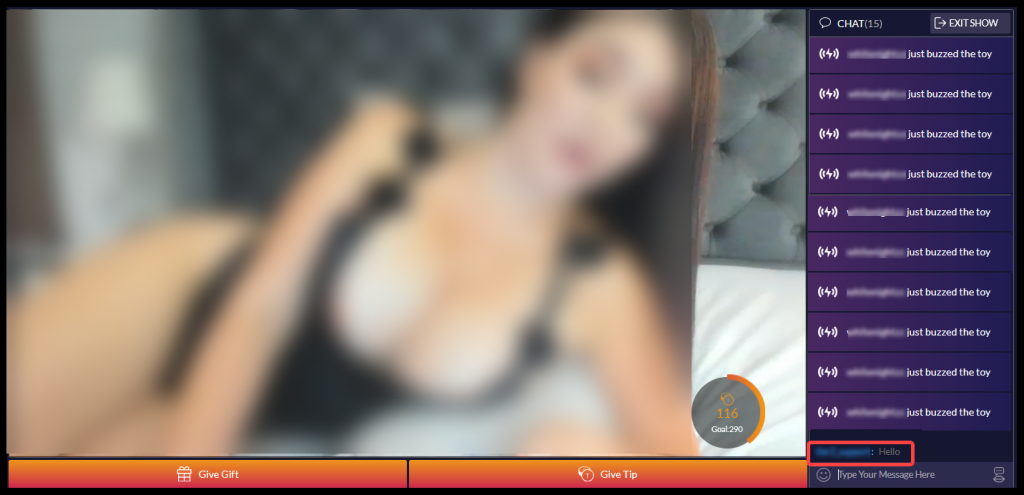
Chatting with Models
- Click on a model thumbnail image on the main page to chat.
- The model’s chat room will open. From here, you can interact with the model. Type your message in the text box.
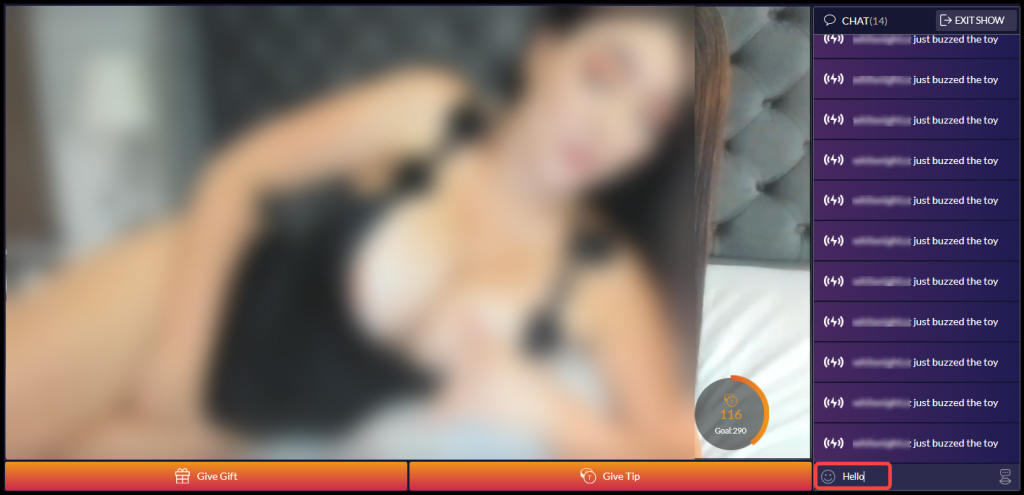
- Hit the “Enter” key when you want to send your message. Your message will be visible to everyone in the chat room.